ATS resume guide
An ATS-friendly resume is clear enough for software and people.
The goal is not to trick a system. It is to make your real experience readable, relevant, and easy to trust before a recruiter makes a decision.
Start here
Use what is true. Make it easy to see.
The goal is not to trick a system. It is to make your real experience readable, relevant, and easy to trust before a recruiter makes a decision.
A clean format helps, but it cannot replace truthful evidence that fits the role.
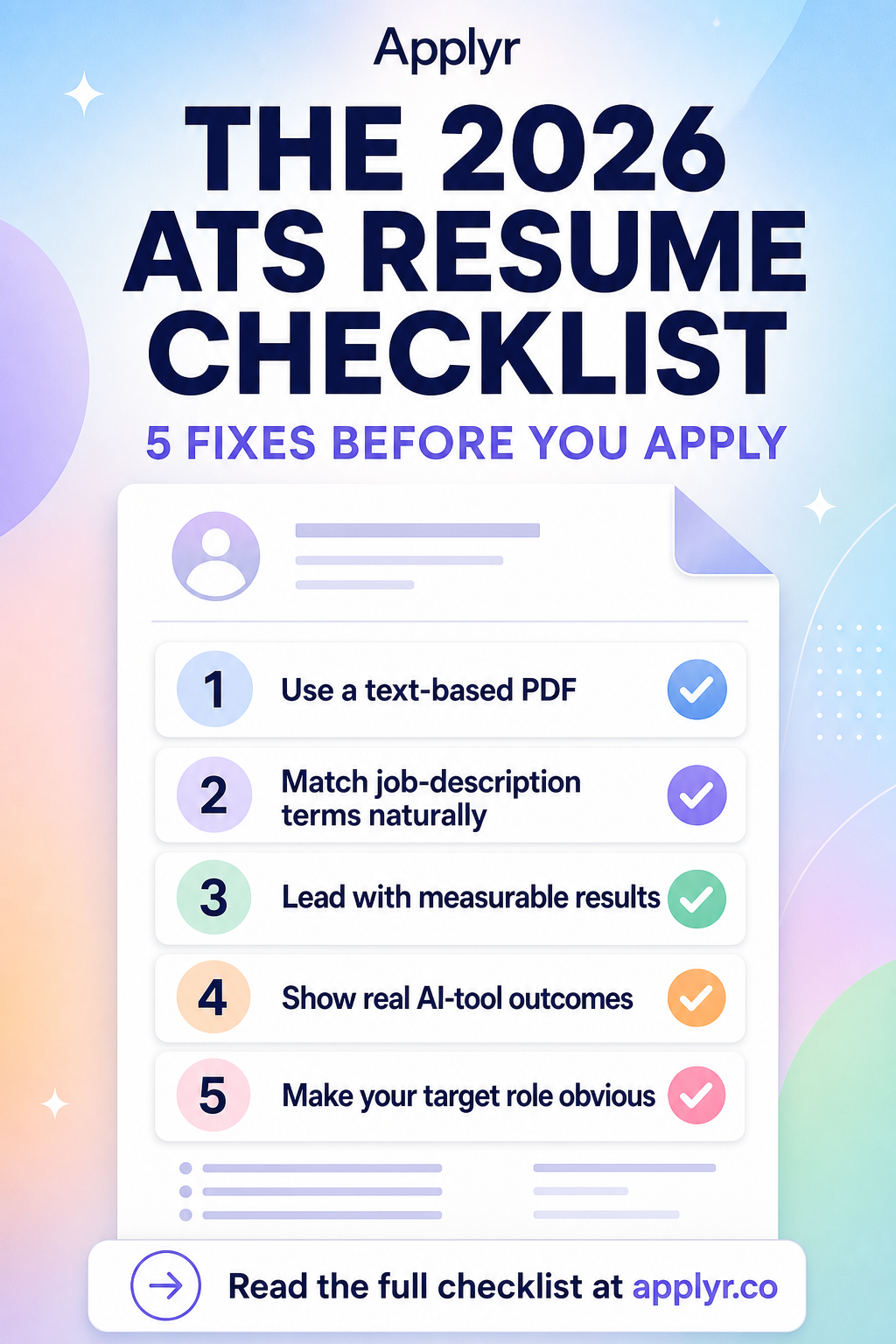
A five-step guide
Small, focused changes are easier to test.
Use a text-based PDF
Export from a document editor and make sure you can select and copy the important text.
Use standard section names
Make Experience, Education, Skills, and contact information easy to locate.
Match job terms naturally
Use the posting's language where it accurately describes experience you have.
Show results in context
Connect each important skill to a real project, role, or outcome.
Run a human skim test
Ask whether a reader can name your target role and strongest proof after a quick scan.
Clarity check
Remove friction before you add more content.
A formatting trick
Hidden keywords, image-only text, or decorative layouts that make key facts harder to read.
A clear application file
Text-based content, standard headings, relevant terms in context, and evidence a human can verify.
Review before you send
Check what the application is actually signalling.
| What you notice | What to do next |
|---|---|
| The copied text is missing or disordered | Re-export from a text-based source and simplify the layout. |
| The skills section is long but experience is generic | Move the most relevant skills into evidence-led experience bullets. |
| The target role is not visible | Name it in the headline or summary and order the strongest relevant proof first. |